A personal knowledge base is a searchable collection of your own notes, references and ideas that you can rely on instead of your memory. You can build one in an afternoon with a notes app or a folder of Markdown files, as long as you follow a few simple rules about capturing, organizing and revisiting what you save.
Key takeaways
- Decide what the knowledge base is for before choosing any tool.
- Capture quickly, then process notes into short, linked pages in your own words.
- Use a light structure: a few folders, consistent titles and links between related notes.
- A short regular review keeps the collection useful rather than cluttered.
What a Personal Knowledge Base Is
Think of it as a private wiki. It holds things you want to find again: how-to steps, meeting takeaways, research, book highlights, project plans and half-formed ideas. The wider practice of organizing information for your own use is known as personal knowledge management, outlined on Wikipedia.
The value comes from retrieval. A pile of saved articles you never reopen is a bookmark graveyard, not a knowledge base. Every choice below aims to make finding and reusing information easy.
Step 1: Define the Purpose
Write one or two sentences about why you are building this. Examples: “Keep everything I learn about my job in one place,” or “Store research for my thesis.” A clear purpose tells you what to include and what to skip. If it does not serve the purpose, do not save it.
Step 2: Pick a Tool You Will Keep Using
| Approach | Good for | Trade-off |
|---|---|---|
| Markdown files in a folder | Longevity and portability | You choose and set up your own search and sync |
| Notes app with linking | Connecting ideas quickly | App-specific features may not export cleanly |
| Google Docs and Drive | Sharing and working with others | Weaker linking between notes |
| All-in-one workspace | Databases, tasks and notes together | More setup and a learning curve |
Our comparison of Obsidian and Notion shows how two popular options differ. If you lean toward plain text, start with the simple Markdown note-taking workflow, which can serve as the foundation.
Step 3: Create a Simple Structure
Resist the urge to design a perfect hierarchy. A few top-level areas are enough:
knowledge-base/
  inbox/
  projects/
  areas/        (work, health, finance, learning)
  resources/    (topics you reference)
  archive/
This mirrors a common organizing idea: active projects, ongoing responsibilities, reference topics and finished items. Within each folder, give notes clear, searchable titles such as “How to export a Google Sheet as PDF” rather than “Misc tips”.
Step 4: Capture, Then Process
- Capture anything interesting into the inbox: a link, a quote, a question, a photo of a whiteboard.
- Process items weekly. Ask what it is, why it matters and where it belongs.
- Rewrite in your own words. Summarizing forces understanding and makes the note easier to reuse than copied text.
- Link the note to at least one related note or project.
- Delete items that no longer matter.
Note a source for each entry so you can return to the original. For longer reading, add a short summary, three key points and one idea you might apply.

Step 5: Connect Ideas
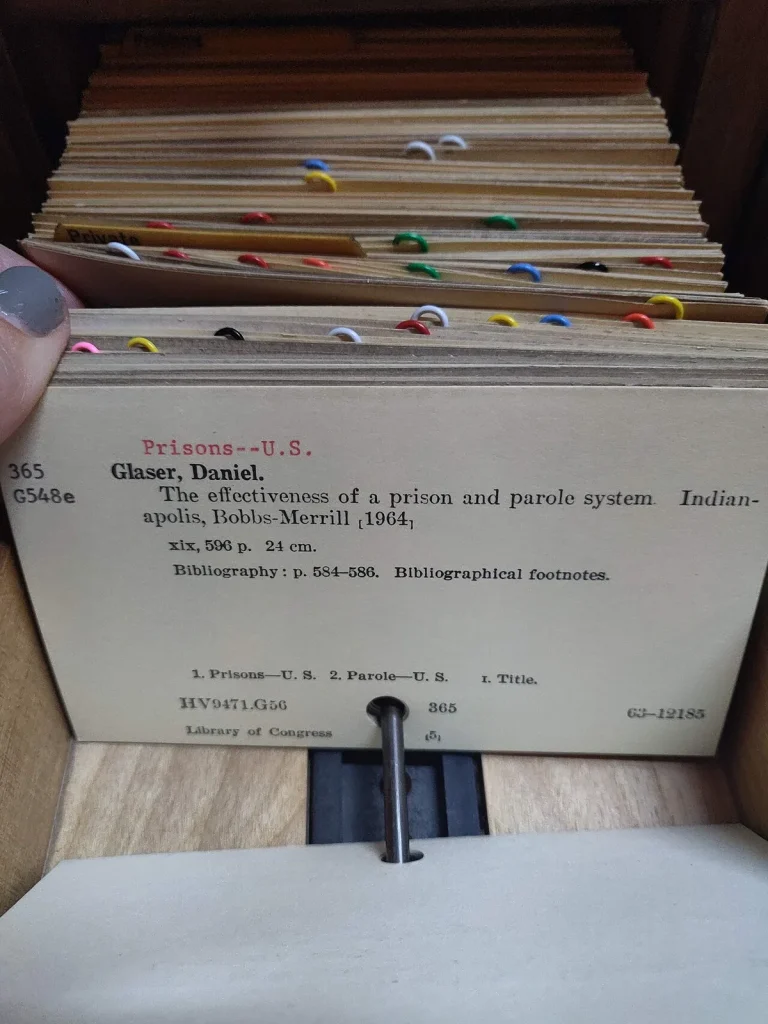
Links are what turn separate notes into a network. Some people follow the card-based method known as Zettelkasten, which stresses small notes that each hold one idea and point to others. You do not need to adopt the entire method. Simply ask, when you finish a note, “What else does this relate to?” and add a link.
A tag or two can help, but keep them few and consistent. Too many tags become noise. Titles and links usually do more work than tags.
Step 6: Review Regularly
Set a recurring ten to twenty minutes each week. Clear the inbox, update active project notes, and revisit one or two older notes to check they are still accurate. A longer monthly pass can archive finished work. Pair it with a 30-minute weekly review if you already run one.
Common Mistakes to Avoid
- Spending weeks on the setup and never adding notes.
- Saving everything with no summary or context.
- Switching tools every month. Pick one and give it a fair trial.
- Relying on one cloud service with no backup. Keep a copy of your notes elsewhere.
- Storing sensitive data such as passwords in plain notes. Use a proper password manager.
Frequently Asked Questions
What is the best app for a personal knowledge base?
The one you will open every day. Markdown-based apps offer portability, while all-in-one workspaces offer databases and templates. Try a small sample in two options before committing.
How many notes do I need to get started?
Start with ten useful notes. A knowledge base grows naturally from the questions you answer in your daily work.
Should I use folders or tags?
Use a few folders for broad areas, and rely on search and links for the rest. Add tags only when they solve a real finding problem.
Can I build one in Google Drive?
Yes. Organize Docs in clearly named folders and use links between documents. Our guide to organizing Google Drive folders and files can help you set it up.
How do I back up my notes?
If you use plain files, copy the folder to an external drive or a second cloud location on a schedule. For app-based notes, check the export options and use them periodically.
Wrap-Up
To build a personal knowledge base that lasts, start small: a purpose, one inbox, one tool and a weekly habit. Add structure only when your notes demand it, and you will end up with a trusted second memory instead of another abandoned project.