
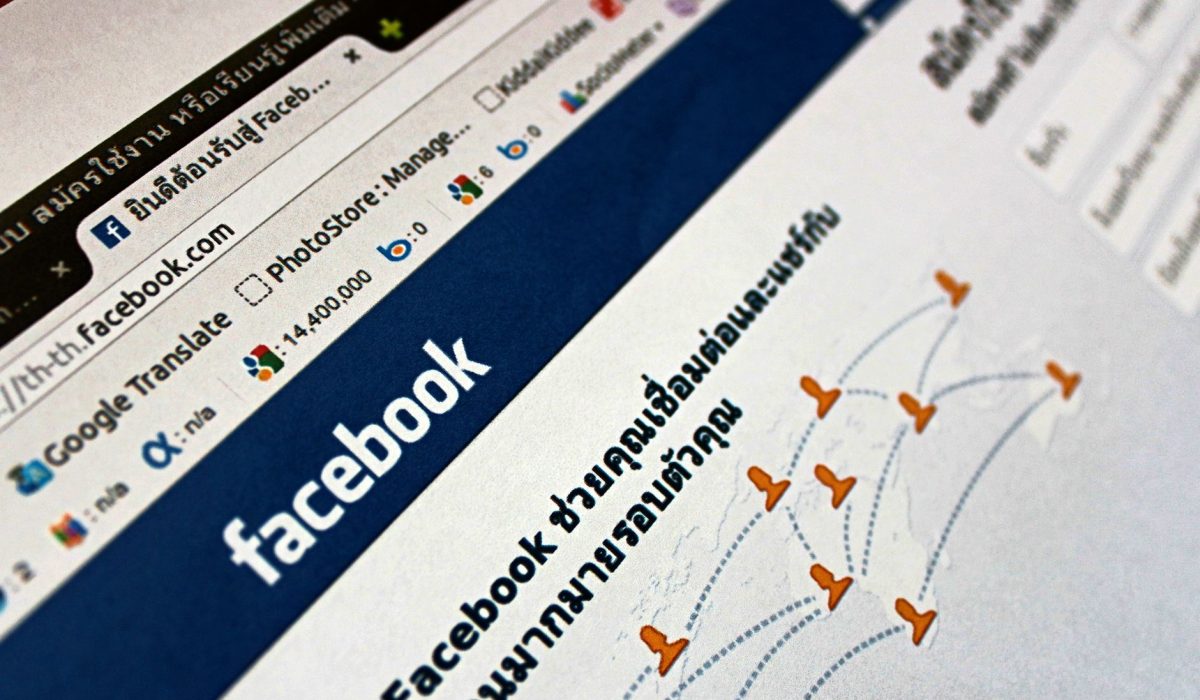
Many folks rush through the setup and end up with a page that looks unprofessional and doesn’t convert. With around 3 billion monthly active users on Facebook in 2024, the potential is huge, and best of all, creating business pages is free. But figuring out how to make a Facebook Business Page that actually delivers results involves some choices that a lot of guides overlook.
Create Your Page
First off, you’ll need a personal Facebook account—there’s no getting around it. Log in, click the grid menu in the top-right corner, and choose “Page.” Facebook prompts you for a page name—just use your actual business name instead of something stuffed with keywords. Also, select the most precise category you can find. Choosing “Restaurant” is better than “Local Business” since it unlocks features like menus and booking buttons.
Once your page is live, upload your profile photo (170x170px) and your cover photo (820x312px). Trust me, phone-taken pics at the wrong size can look stretched, diminishing your credibility right away. Next, claim your username. Facebook calls this your vanity URL, and it shows up in your page’s web address. Something like facebook.com/yourbrandname is well worth the two minutes it takes to set it up. You’ll find this option in your page settings after creation.
Before diving into posts, set your CTA button. Right under your cover photo, you’ll see options like “Call Now,” “Send Message,” “Book Now,” and “Shop.” Go with the one that reflects how customers really engage with you. For service businesses, “Book Now” or “Call Now” typically fits best.
Optimize Settings
Next, head to Page Settings to assign roles. If someone else is helping manage the page, consider adding them as an Editor instead of an Admin—unless you completely trust them with that level of access. Losing admin rights can be a colossal headache. Manage your inbox, schedule posts, and run ads through Meta Business Suite, which replaced Creator Studio in 2023. Link your page there right away.
Don’t skip filling out every field in the About section: business hours, phone number, website, and a brief description of what you do and where you’re located. Pages with complete profiles tend to rank better in Facebook search results. If you want the blue verified badge, known as Meta Verified, that’s $14.99 per month on desktop. Honestly, I’d hold off on that at the beginning and invest in a boosted post instead. Once your profile pic, cover, bio, and first three posts are set, your page is ready to go public.
FAQs
Do I need a personal Facebook account to create a business page?
Yes. Every Facebook Business Page must be created and managed by at least one personal account. You can keep the personal profile private, and it won’t show on the business page.
Can I make a Facebook business page private?
Not completely. You can unpublish it so only admins can see it, but a live business page is public by design. Unpublishing is helpful while you’re still working on things.
How long does it take for a Facebook business page to be approved?
Usually, it’s instant. Most pages go live as soon as you publish them, though Facebook may review them within 24 hours if something raises a flag.


1 Comments